Digital site diary for daily records and PDF reports
What work took place, what stood out and what matters for the next visit? Record the day in the construction project while the details are still clear.
By Manuel Streit · lol.marketing LLC
Updated:
Record daily activities
Create dated entries within the project. Record activities, site conditions and notable events in the diary fields.
Put weather in context
Note relevant weather conditions in your daily notes. Check actual conditions on site; weather-service data is not a measurement taken at your construction site.
Compile entries for meetings
Use the date-ordered overview and PDF export for your documentation. Inspections and issues remain available as separate project records.
From site records to a clear report
Select the day
Create a project diary entry for the relevant date.
Make observations clear
Describe completed activities and notable events specifically; check unclear information before sharing.
Compile the report
Review the entries and export the required German or English version.
A look at the workflow
Synthetic demo data · This example contains no real customer or construction-site records.
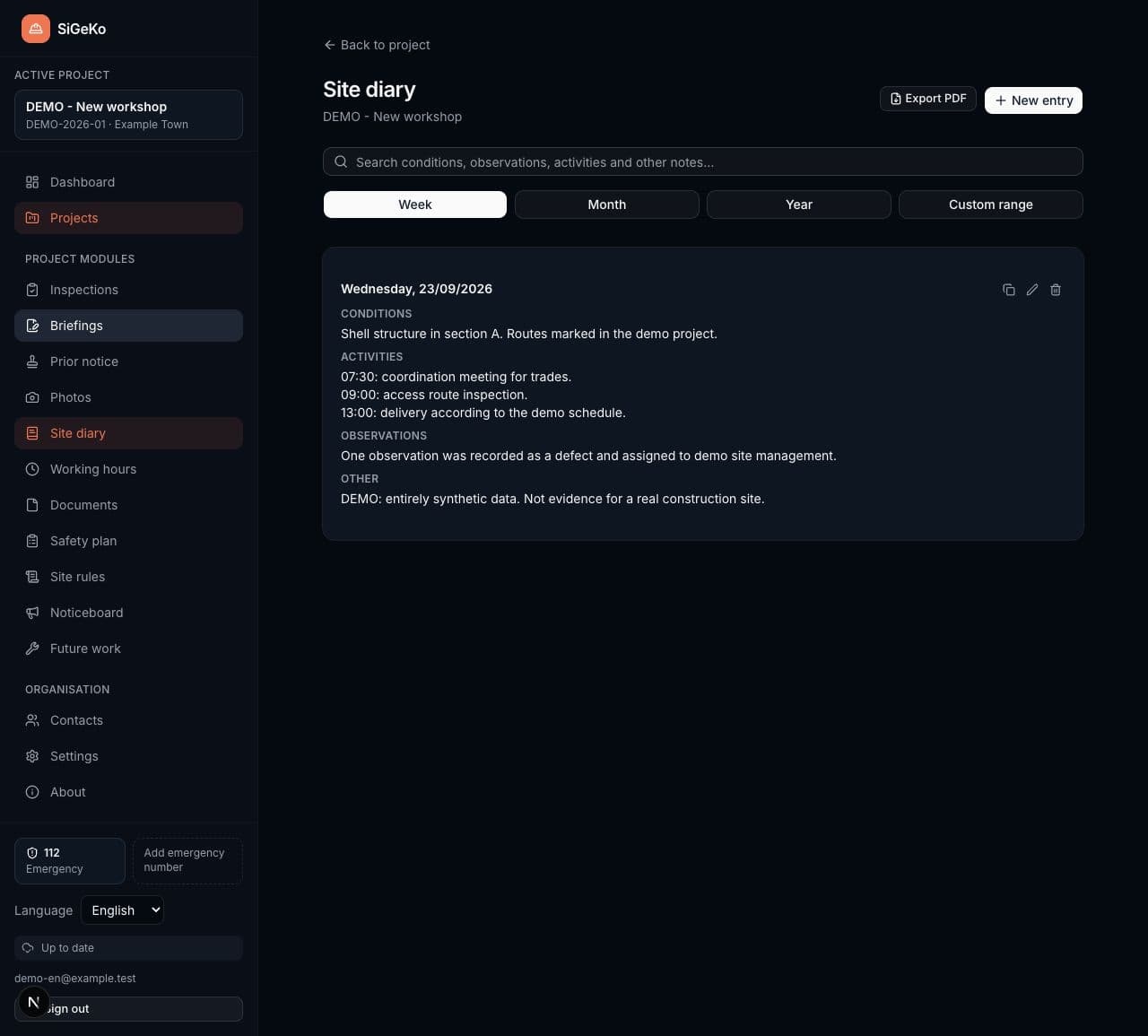
Documenting construction progress
Annex 10.1 of Germany’s HOAI lists documentation of construction progress in service phase 8 and gives a site diary as an example. Your agreed services and project determine the documentation you must provide. A software form does not itself define that scope.
Explore the workflows
Is a diary entry an inspection report?
A site diary records daily activities. An inspection instead collects observations, issues and actions from a particular visit. SiGeKo lets you keep both types of record in the same project.
Is the PDF permanently immutable?
A PDF is an exported version of your entries. Export does not provide tamper-proof archiving or qualified timestamps. Retain required versions in your chosen records system.
Start with your next project
Free at launch. Your individual account, your site documentation.